

-
-

Company Management
Recruit & deploy guards
-

Payroll
Salaries & Payslips
-

HRM
Records & Leave
-

Accounts
Invoicing & Ledgers
-

Client Portal
Live site visibility
-

Partner Hub
Partners & Business Partners
-

Mobile App
Attendance & Jobs
PLATFORM
 Company Management
Every Module, Connected
Recruit, deploy and manage your guards from one place.
Explore Company Management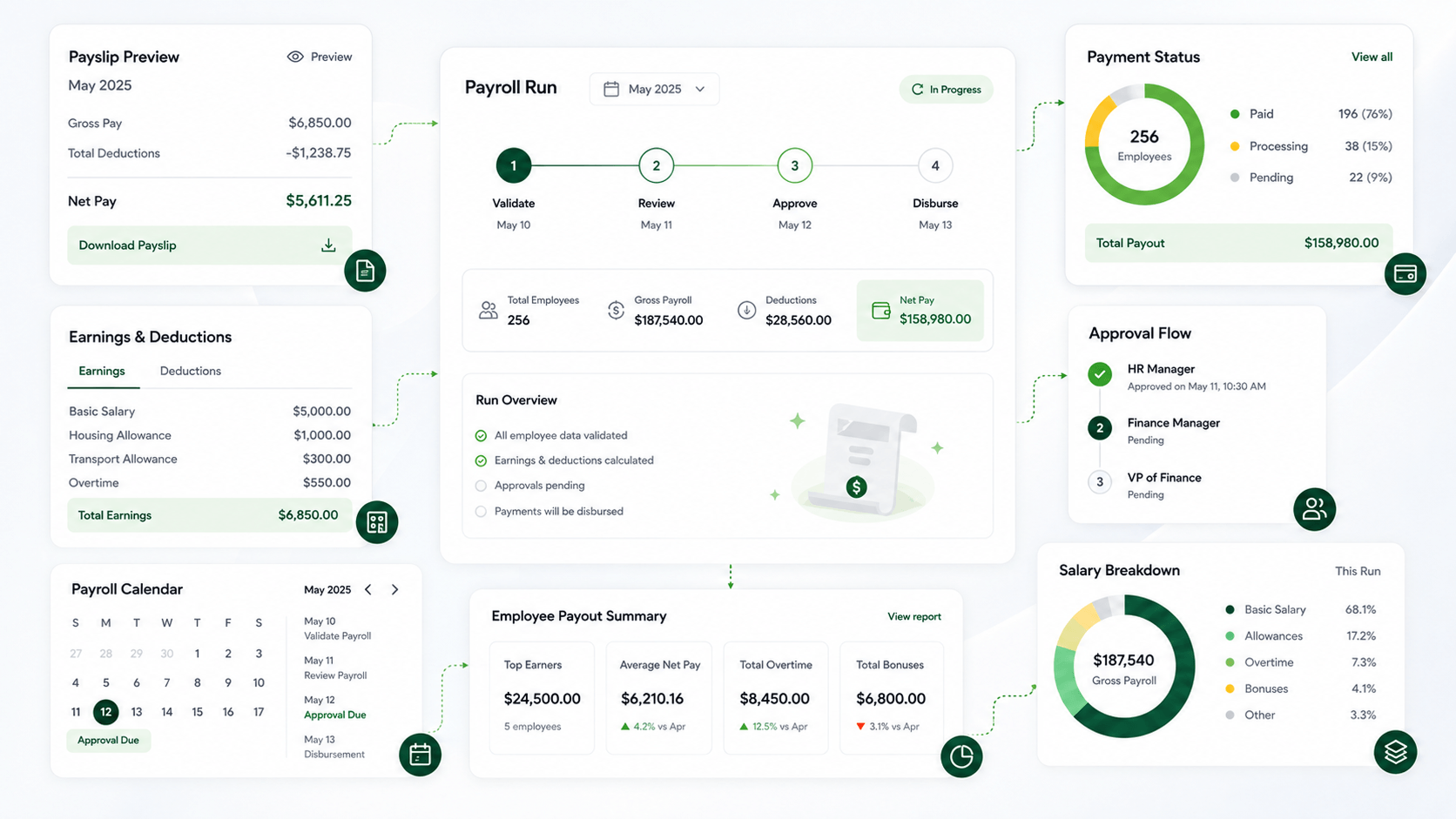 Payroll
, without the hassle
Run salaries, payslips and payroll workflows from one secure platform.
Explore Payroll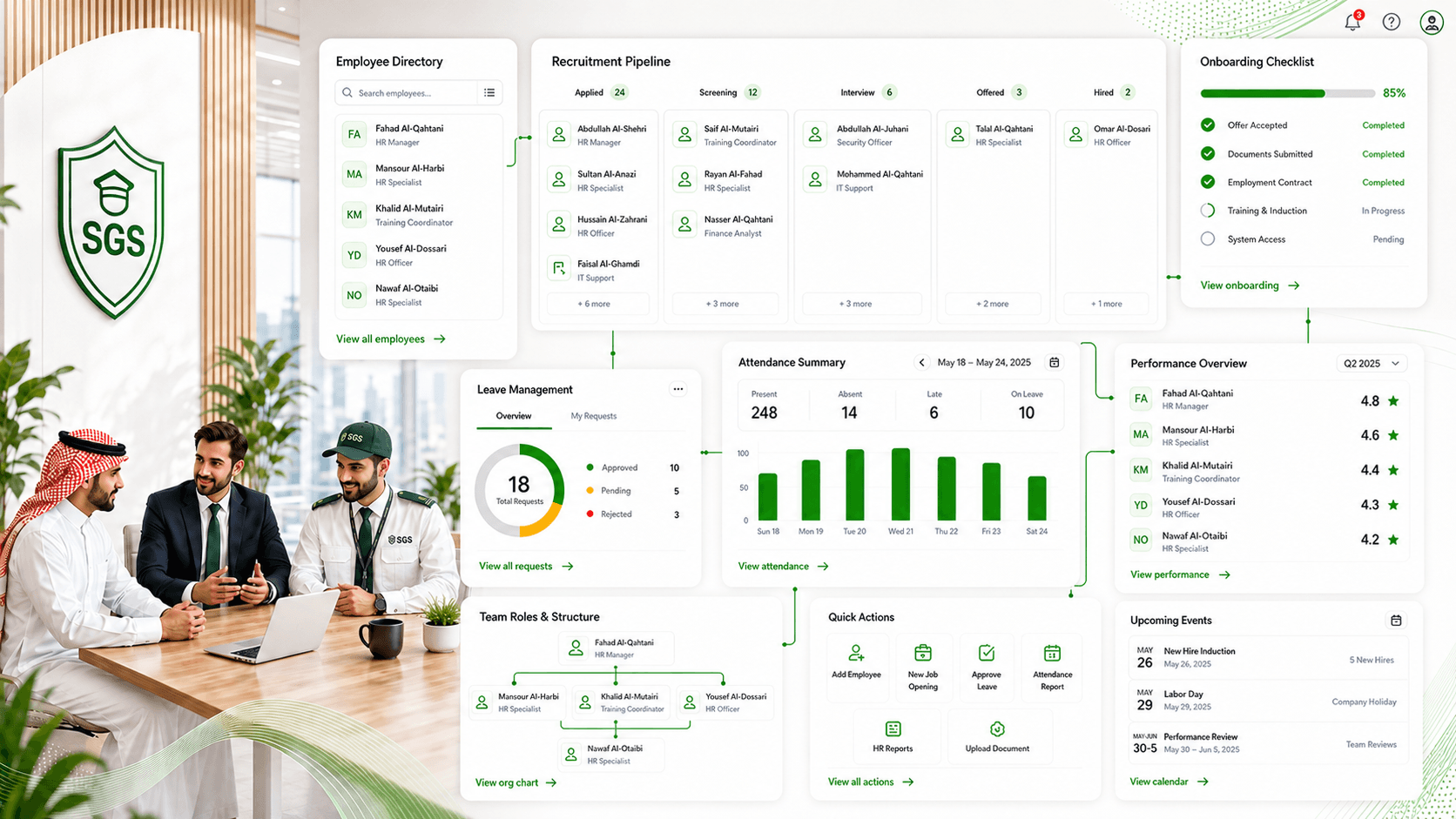 HRM
People Admin, Made Simple
Manage records, leave and workforce data from one connected system
Explore HRM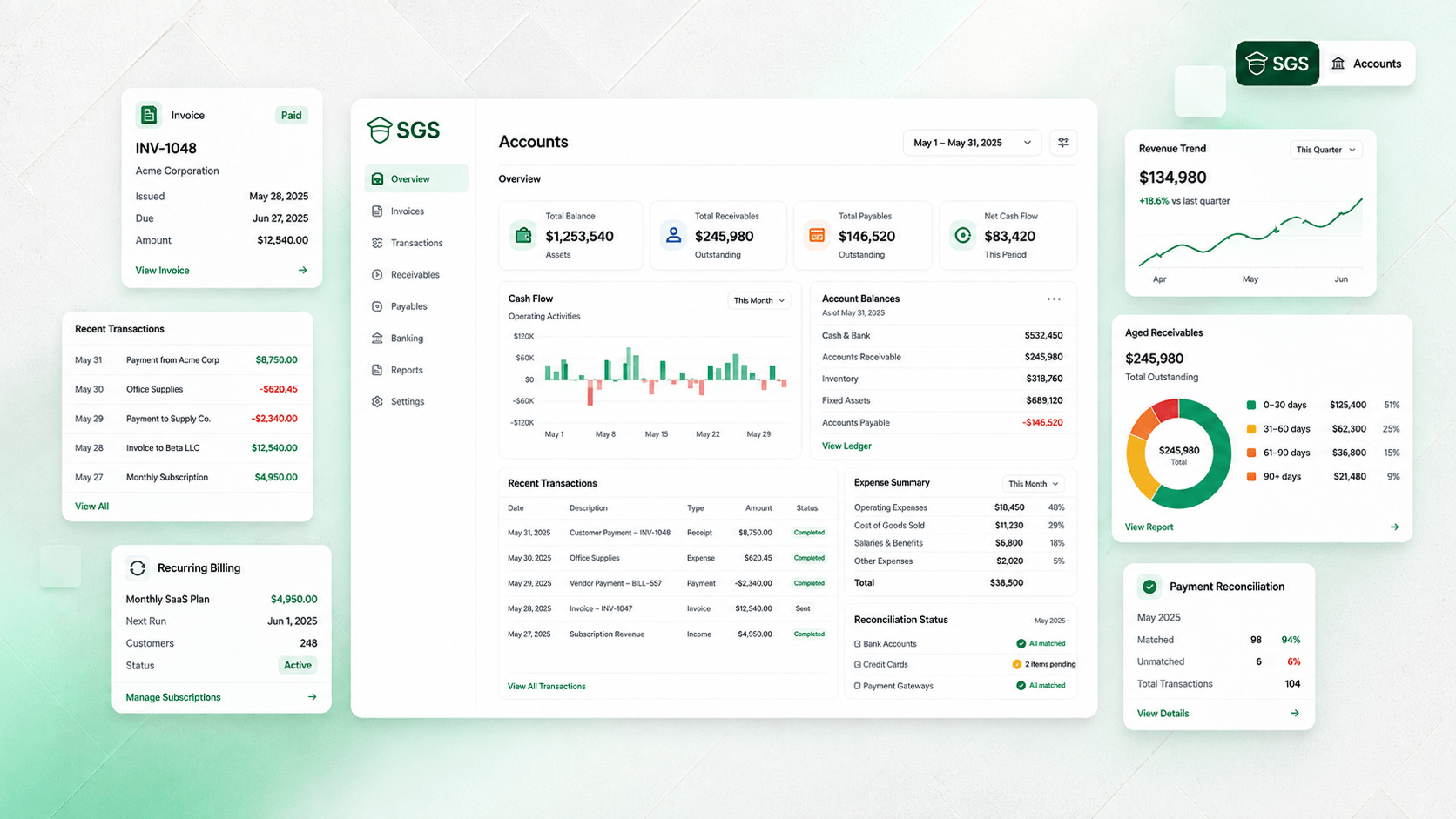 Accounts
, Fully Connected
Track invoicing, ledgers and business finances in one streamlined workspace.
Explore Accounts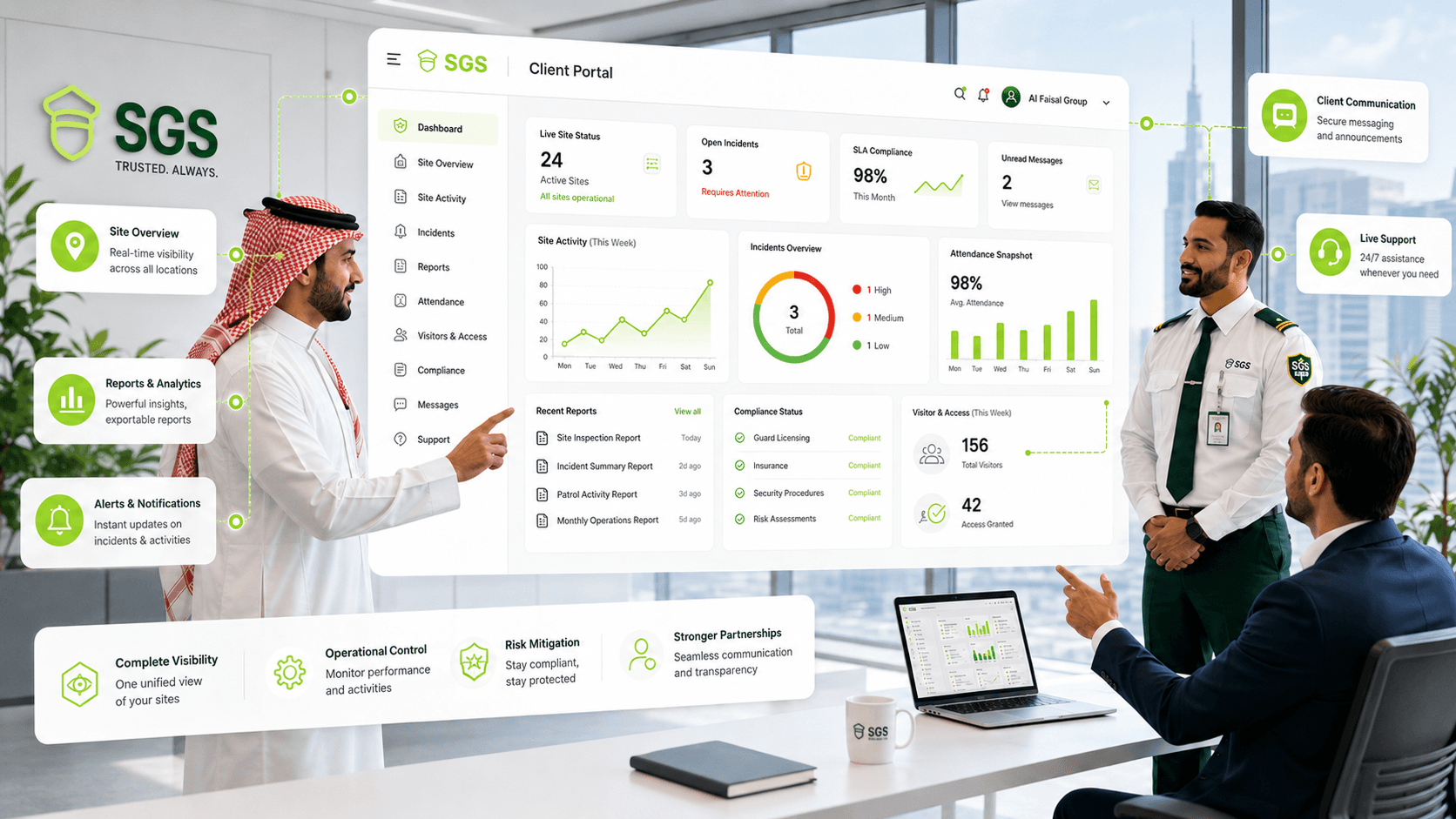 Client Portal
Client visibility, built in
Give clients live access to site activity, reports and service updates.
Explore Client Portal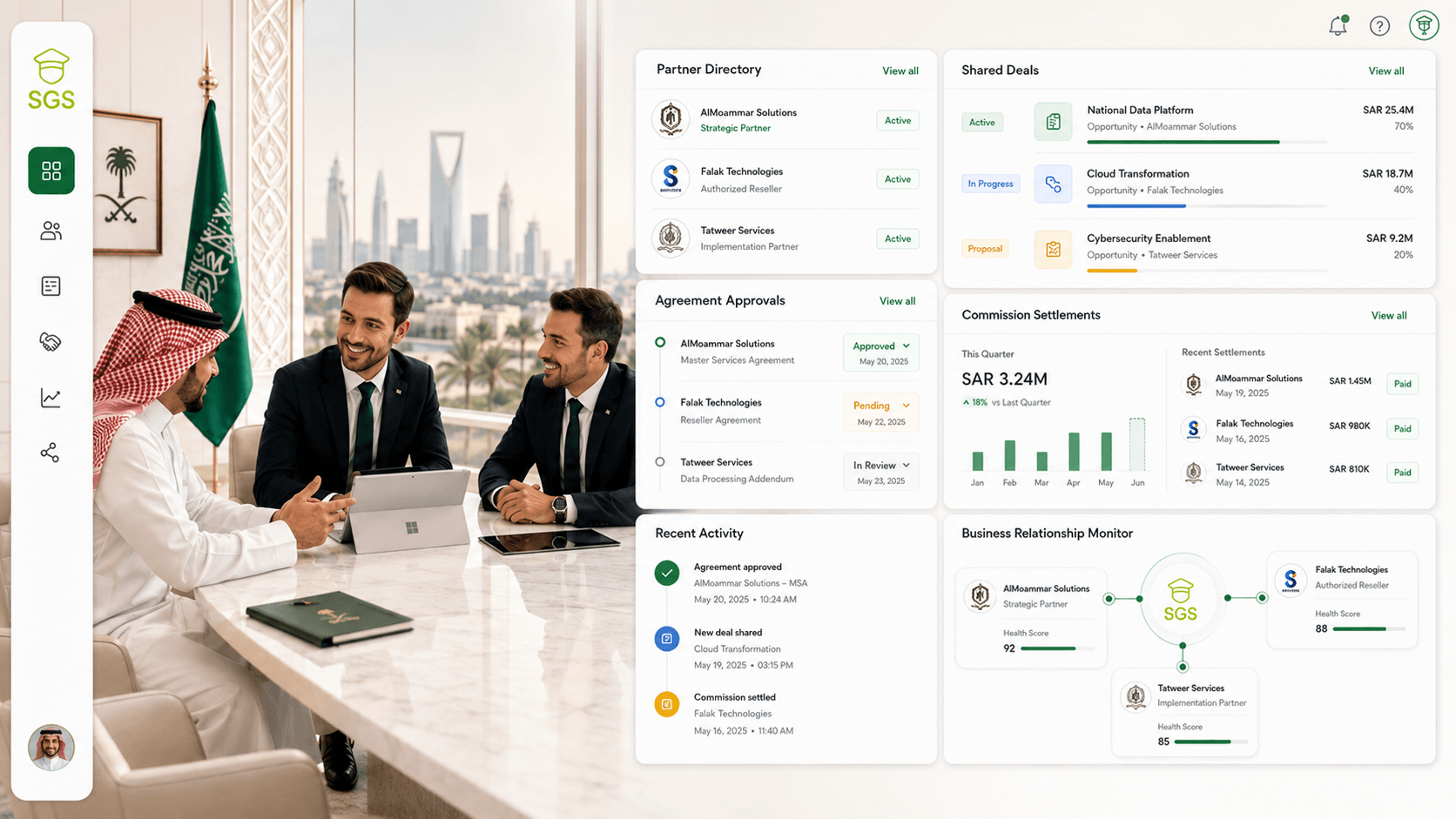 Partner Hub
Grow your partner network
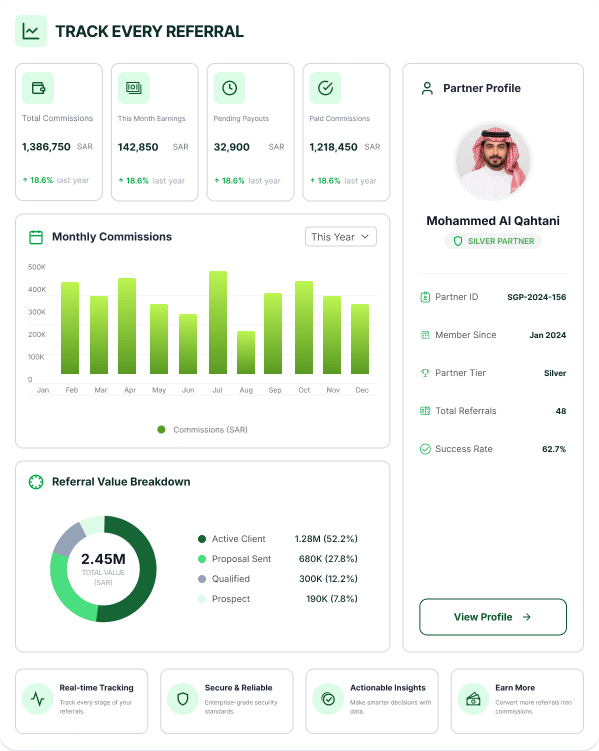
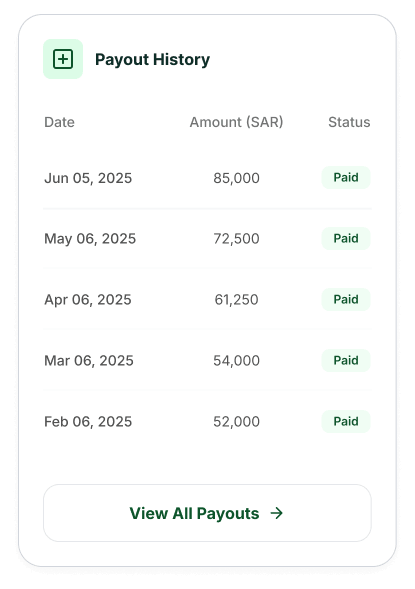
Manage investors, business partners, agreements and collaboration from one centralized workspace.
Explore Partner Hub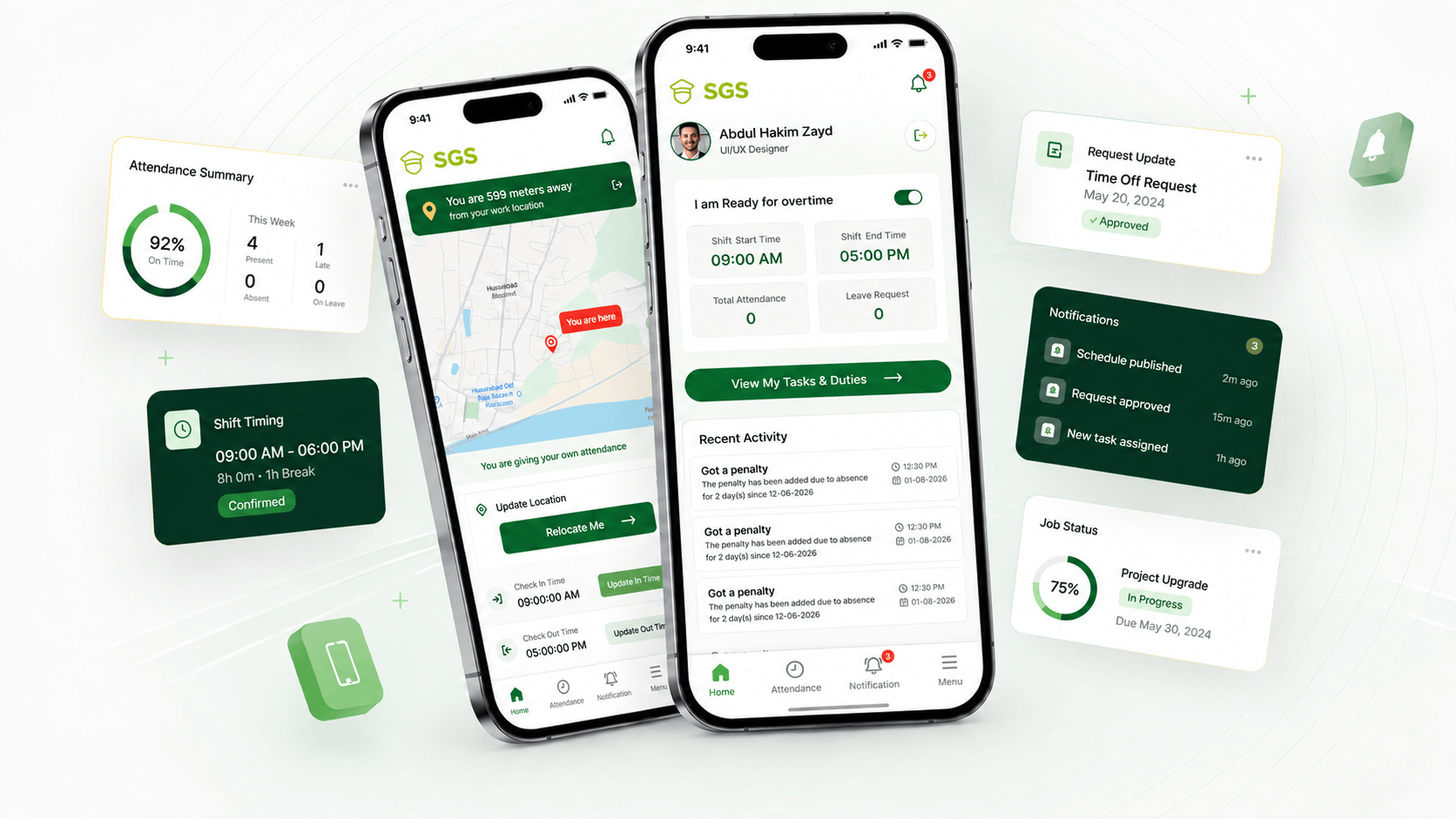 Mobile App
SGS - Mobile App
Manage attendance, check schedules and submit requests — all from your phone.
Explore Mobile App -
-
-

Security Companies
Firms of all sizes
-

Facility Management
Multi-site facilities
-

Real Estate & Compounds
Estates & gated communities
-

Retail & Malls
High-traffic spaces
-

Hospitality
Hotels & venues
-

Construction & Industrial
Sites & warehouses
-

Government & Institutions
Public sector security
SOLUTIONS
 Security Companies
Security operations, fully connected
Manage guards, shifts, client sites, attendance, incidents, payroll, and reports from one connected SGS platform.
Explore Security Companies Facility Management
Coordinate every facility with confidence
Unify security teams, building coverage, daily activity, incidents and compliance records across multiple facilities.
Explore Facility Management Real Estate & Compounds
Safer communities with clearer visibility
Manage gates, patrols, visitor flow, resident safety, guard presence and property-level security updates in one place.
Explore Real Estate Retail & Malls
Protect busy spaces without delays
Coordinate mall security, entrances, parking areas, tenant requests, patrols, incidents and visitor safety from SGS.
Explore Retail & Malls Hospitality
Guest safety without service disruption
Support hotel security, lobby coverage, patrol activity, staff coordination and incident response while keeping service smooth.
Explore Hospitality Construction & Industrial
Control access, guards and risk on every site
Manage site gates, worker movement, contractor access, guard shifts, incident reports and compliance records across complex sites.
Explore Construction Government & Institutions
Secure public facilities with stronger oversight
Keep guards, facilities, access points, incidents, audit records and compliance workflows organised through one secure platform.
Explore Government -
- Pricing
- About Us
- Contact Us
 Partner Module














 English
 Arabic