Mobile App

The SGS App — Built for Every Guard and Employee

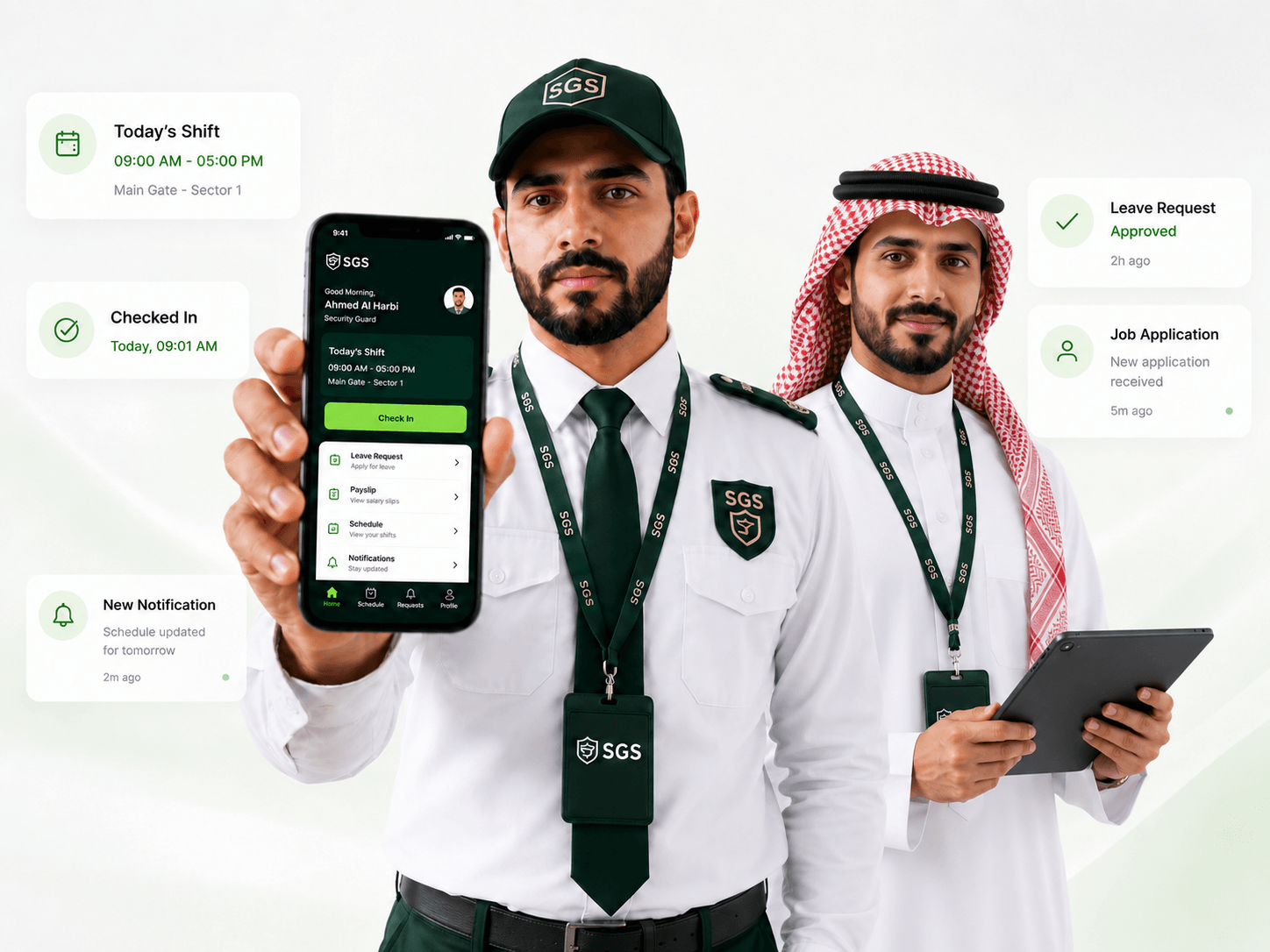
From attendance and documents to job lists, leave, joining, transfer, promotion, and notifications — SGS gives guards and employees one secure app for daily operations.

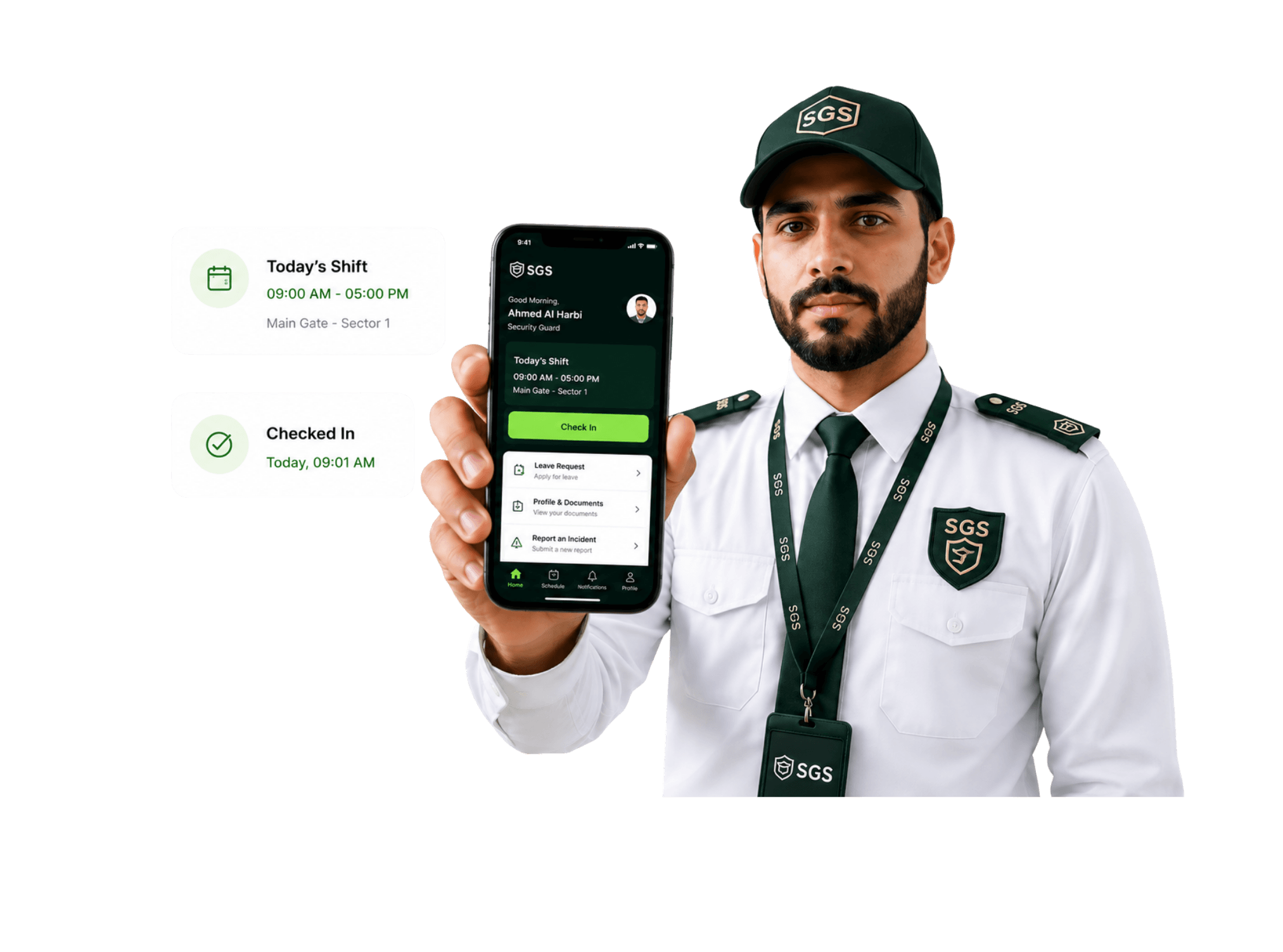
Mobile app hero image
/Features

Mobile App Features

From applying for security jobs to marking attendance and submitting requests, the SGS mobile app keeps every guard and employee connected on the go.

Job discovery icon

Job Discovery

Browse open security guard jobs across Saudi Arabia and find the right opportunity faster.

Job application icon

Job Application

Register once, apply to available jobs, and track your application status from the app.

Attendance check-in/out icon

Attendance Check-In/out

Mark shift start and end times with GPS-verified or time-based attendance.

Shift schedule icon

Shift Schedule

View assigned duty times, locations, shift updates, and upcoming work schedules.

Leave requests icon

Leave Requests

Apply for annual, sick, unpaid, or emergency leave and track approval status.

Transfer request icon

Transfer Request

Request a transfer to another site, location, shift, or role directly from mobile.

Promotion request icon

Promotion Request

Submit promotion requests with details for management review and approval.

Contracts icon

Contracts

View assigned contracts, employment details, and important agreement updates from the app.

Joining updates icon

Joining

Access joining updates, onboarding details, and important joining-related messages.

Notifications icon

Notifications

Receive instant updates for approvals, rejections, schedule changes, and announcements.

Incident updates icon

Incident Updates

Report field issues, duty updates, or site activity from the mobile app.

Profile and documents icon

Profile & Documents

View personal details, employment records, documents, and important HR updates.

FIELD OPERATIONS FOR SECURITY TEAMS

Every guard. One app. Complete connection.

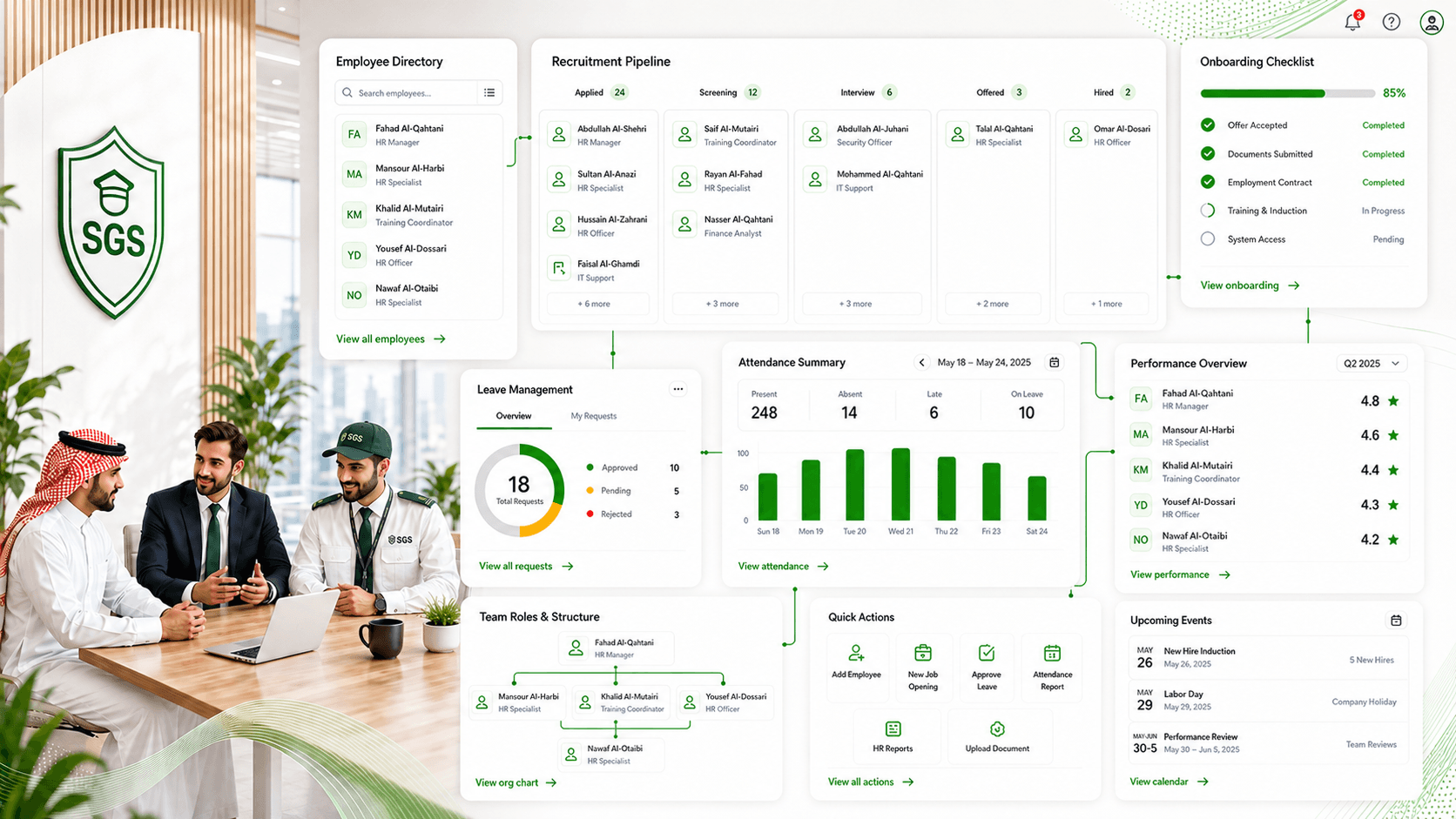
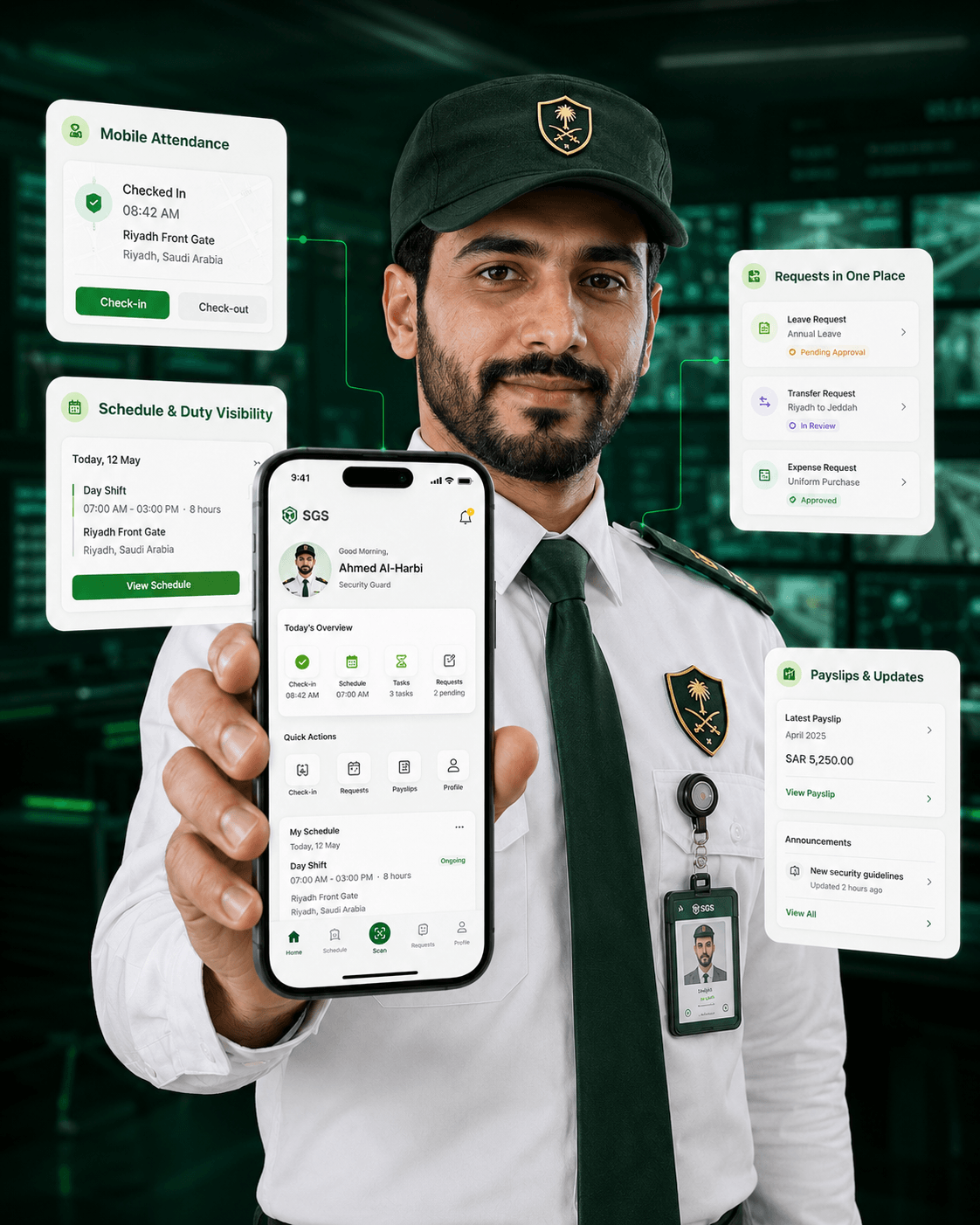
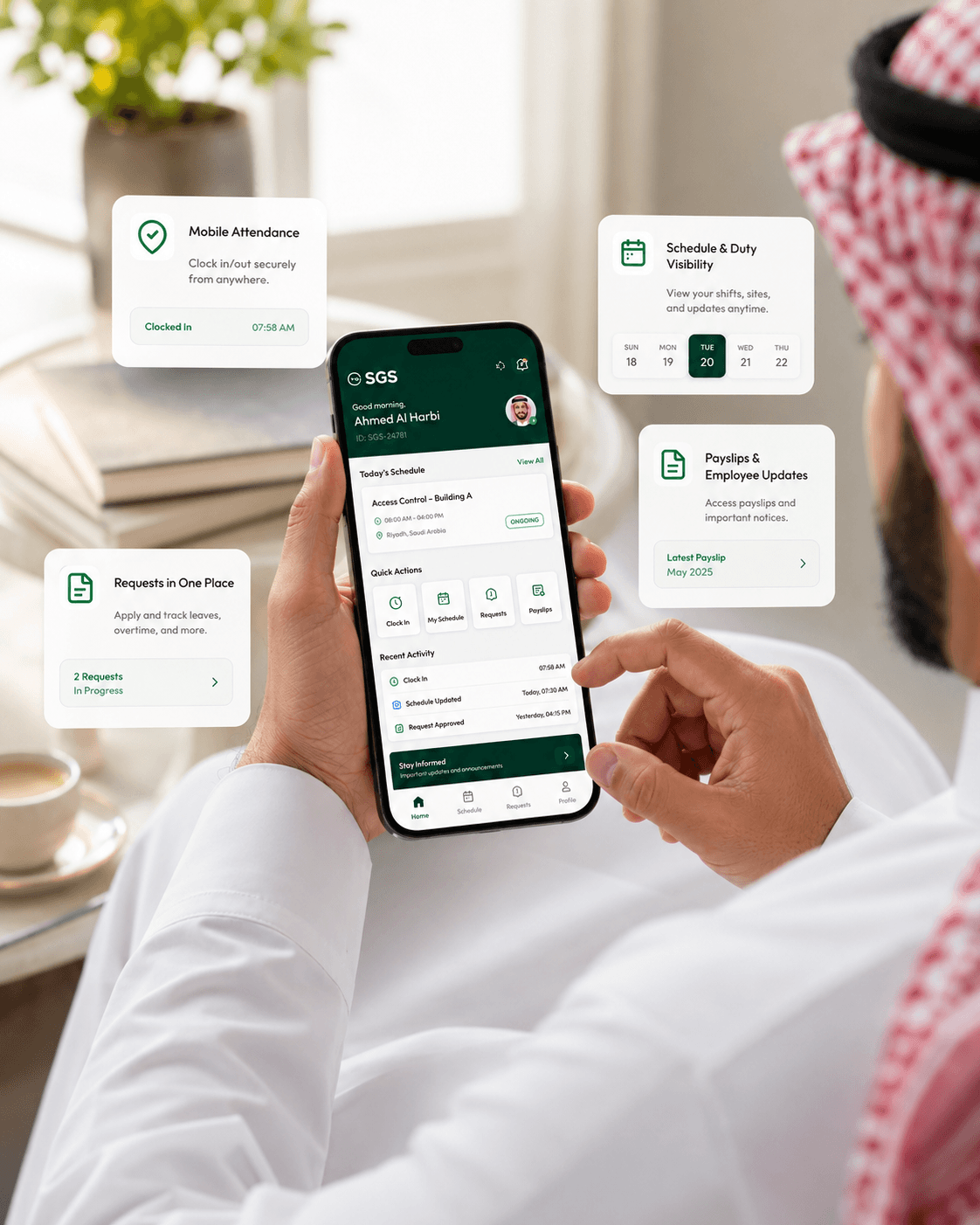
SGS Mobile App is built around the real day-to-day work of guards and field employees. From arriving on site to checking schedules, applying for leave, submitting expenses, and receiving approvals — every action stays connected to the main SGS platform.

Number Icon Line Icon

Mobile Attendance

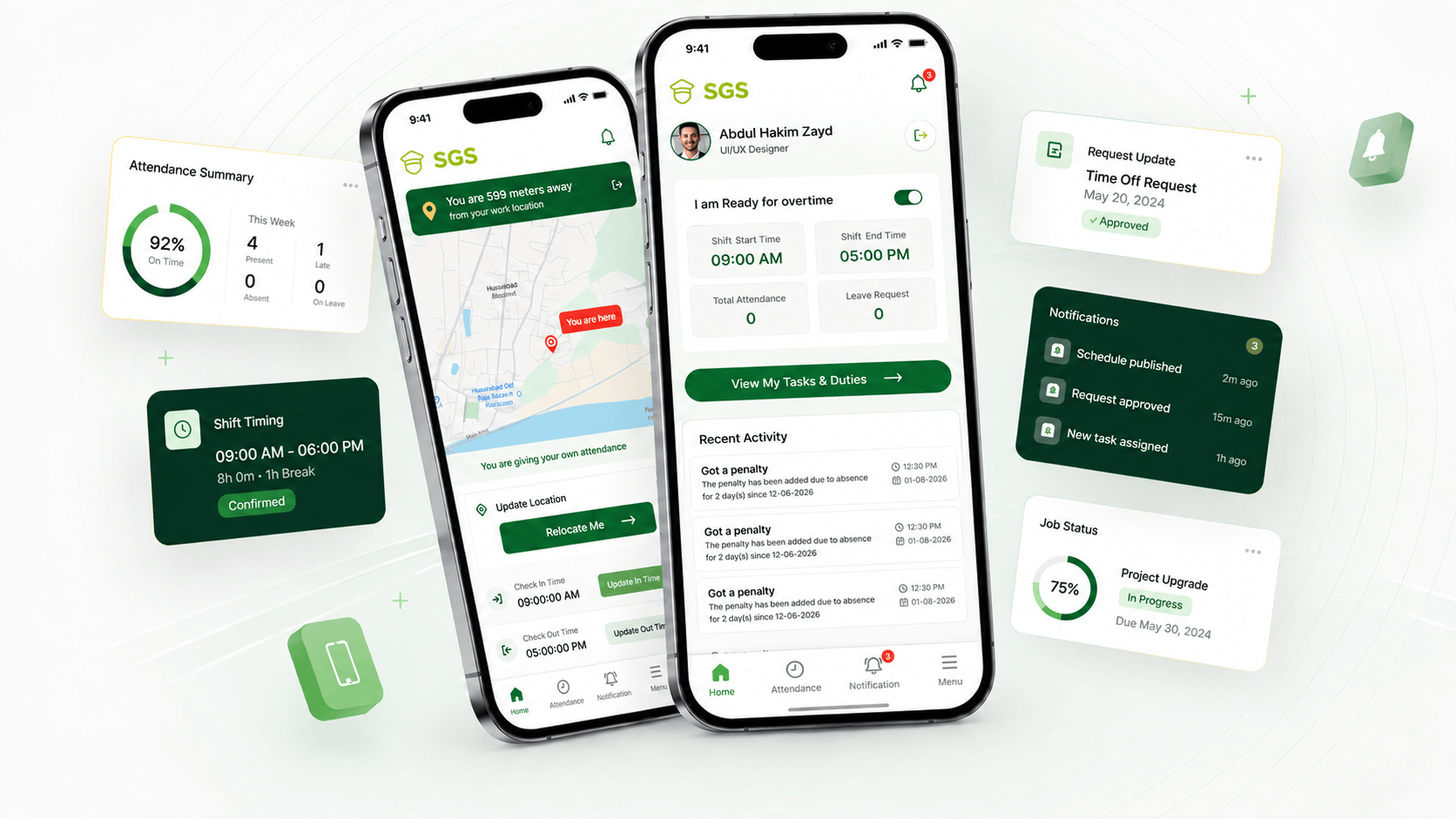
Guards can check in and check out from their phone using GPS-verified or time-based attendance, giving managers accurate field visibility.

Number Icon Line Icon

Schedule & Duty Visibility

Employees can view today’s shift, assigned site, upcoming duties, and changes without calling the office.

Number Icon Line Icon

Requests in One Place

Leave, transfer, promotion, and expense requests can be submitted from mobile with real-time approval tracking.

Number Icon

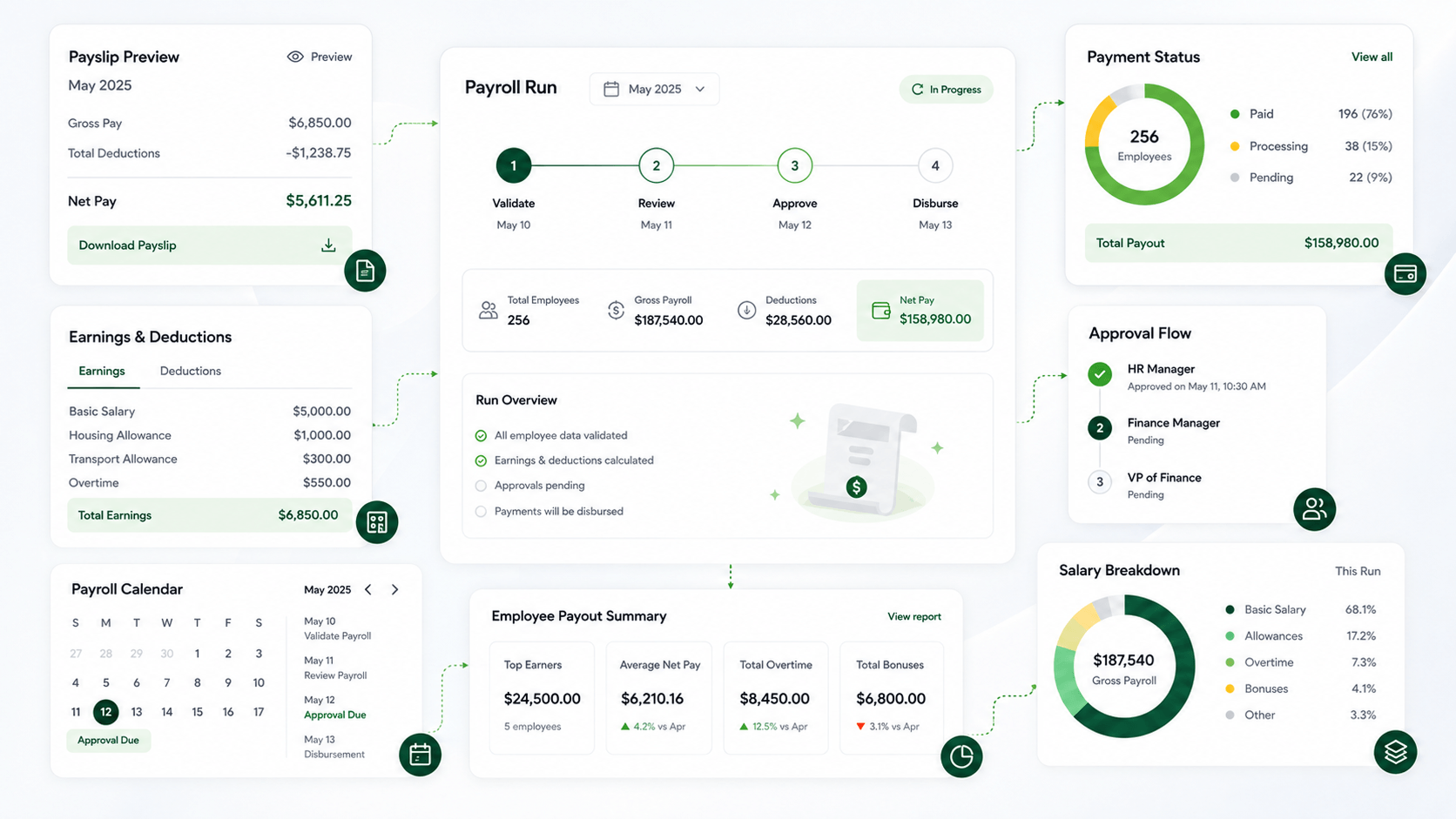
Payslips & Employee Updates

Employees can view payslips, receive announcements, and stay informed about HR updates securely.

mobile app guard image
ATTENDANCE & SHIFT TRACKING

Start every shift with
verified check-ins

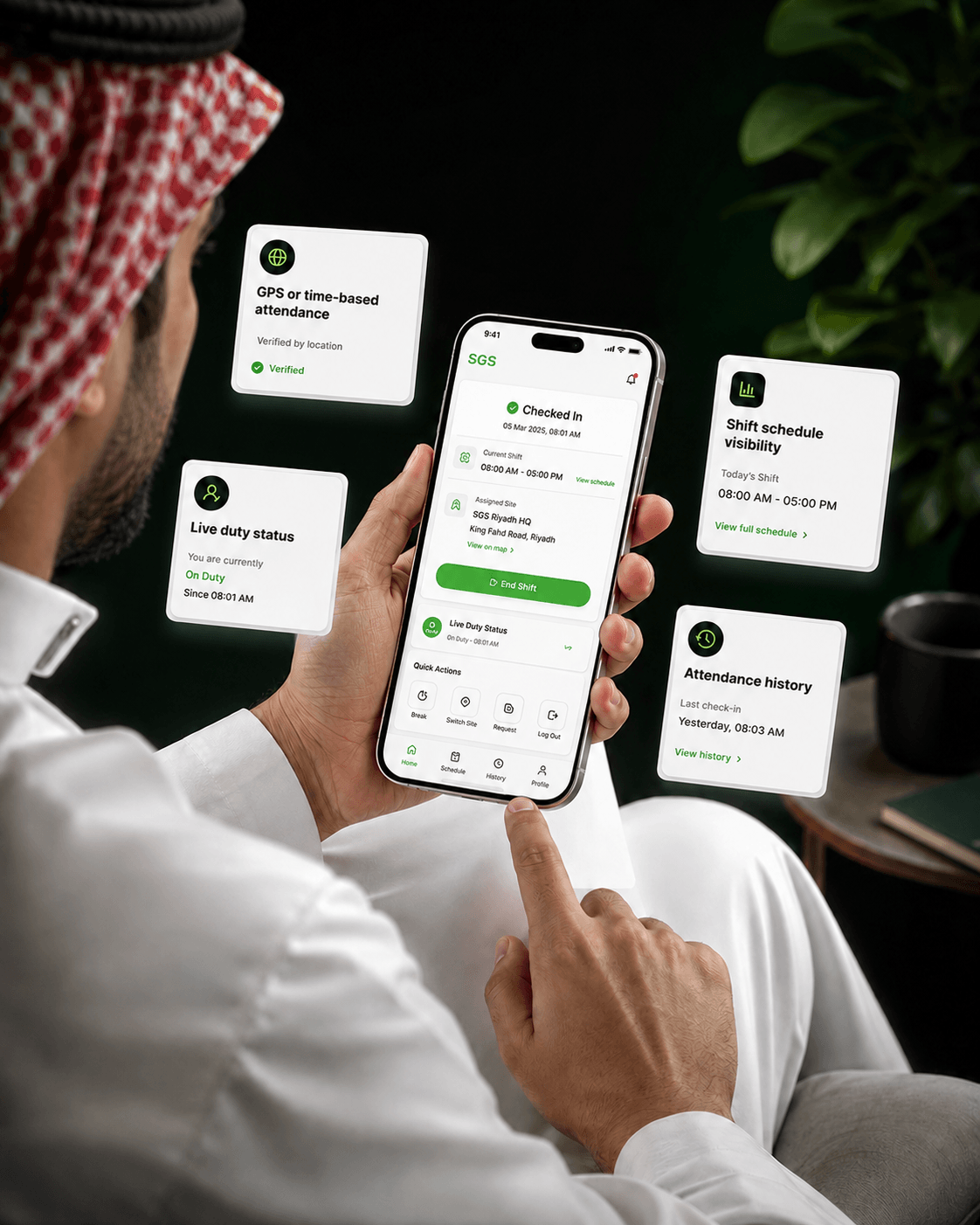
Help guards mark attendance accurately from their phone while giving operations teams real-time visibility into who is on duty, late, absent, or checked out.

GPS or time-based attendance icon

GPS or time-based attendance

Verify check-ins using location or shift timing rules based on company policy.

Live duty status Icon

Live duty status

Managers can instantly see which guards are active, late, absent, or off duty.

Shift schedule visibility Icon

Shift schedule visibility

Employees always know where they need to be, when their shift starts, and what updates changed.

Attendance history Icon

Attendance history

Employees and managers can review past check-ins, check-outs, late marks, and absence records.

GPS attendance check-in screen in SGS mobile app
/INDUSTRY

Mobile App Built for Teams in the Field

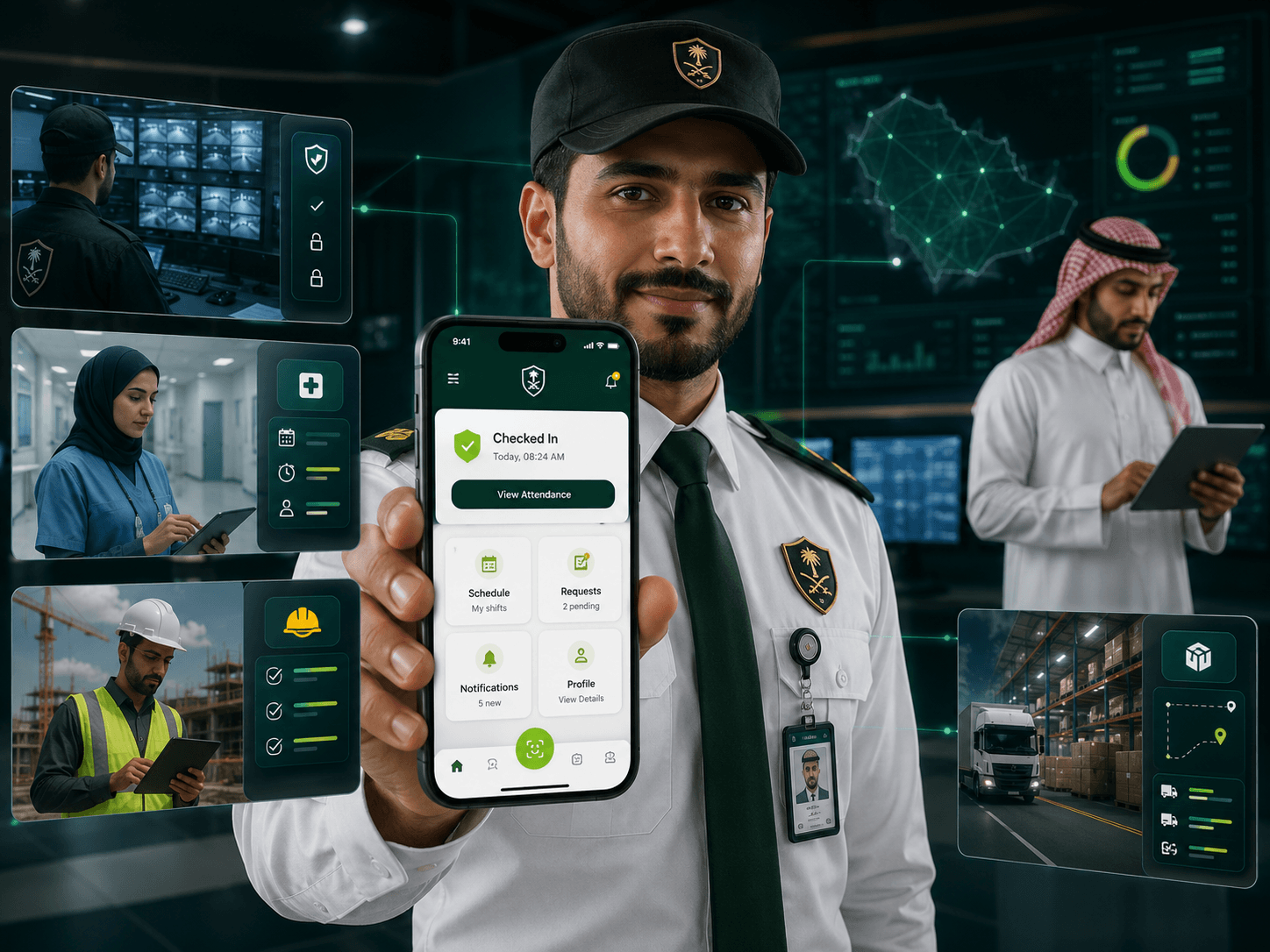
SGS Mobile App is designed for security operations first — but any field-based team that depends on shifts, attendance, requests, and real-time updates can use it to stay connected on the move.

Industries using SGS Mobile App illustration
Security companies icon

Security Companies

Manage guards, shift check-ins, duty schedules, leave requests, and field updates from one connected mobile app.

Healthcare teams icon

Healthcare Teams

Help mobile staff view schedules, submit requests, receive updates, and stay aligned across hospitals, clinics, and care sites.

Construction workforce icon

Construction Workforce

Track worker attendance, site assignments, requests, and on-site communication across active projects.

Logistics operations icon

Logistics Operations

Keep drivers and field teams connected with shift details, check-ins, route updates, and mobile notifications.

Mobile App Questions, Simplified

Find clear answers to common questions about the SGS mobile app, guard attendance, job applications, leave requests, payslips, expenses, notifications, and employee self-service.

What can guards and employees do inside the SGS mobile app?
Guards and employees can manage attendance, schedules, leave, transfers, promotions, documents, payslips, job applications, and company updates from one app.
Can guards check in and out from the app?
Yes. Guards can mark attendance using GPS-verified or time-based check-in and check-out rules.
Can employees view their shifts and duty locations?
Yes. Employees can see assigned shifts, duty times, site locations, and schedule updates directly from the app.
Can employees submit leave, transfer, and promotion requests?
Yes. Requests can be submitted from mobile and tracked through approval or rejection.
Can job seekers apply for security jobs through the app?
Yes. Candidates can create a profile, browse available jobs, apply, and track their application progress.
Can employees access payslips and documents?
Yes. Employees can securely view payslips, contracts, personal records, and other employment documents.
Will users receive updates and notifications?
Yes. The app sends notifications for approvals, schedule changes, announcements, application updates, and other important activity.

Ready to Run Your Field Workforce From Mobile?

Give guards, employees, and job seekers a faster way to stay connected — from attendance and schedules to requests, payslips, jobs, and notifications.

Tablet displaying SGS Mobile App